Moving your church register from a book to a computer
By Emmanuel Akyeam, Founder of Fold
In short
Do not move a church register by typing the whole book first. Start with the people who come every week, set up your classes and their leaders, record this Sunday's service, and add the rest of the book gradually as people come up. If part of it is already in Excel, import it rather than retyping, format phone numbers as text so 0244 keeps its zero, write dates as 1990-04-03, and keep writing in the book for a month until the computer has proved itself.
Most churches have their register in a hardback book, and it works, until it does not. What a good register should contain is covered in the register keeping guide; this piece is about the move. The book is in the vestry when the person who needs it is at home. It gets wet. The handwriting from 1998 is nobody's now. And the class leader who kept the real list of who still attends has moved away.
Do not start by typing everything
The most common mistake is treating this as a data entry project: sitting down with the book and typing four hundred names before using the software for anything. It takes weeks, it is dull, and churches abandon it halfway through with half a register in two places, which is worse than where they started.
A better order:
- Start with the people who come every week. That is your working register, and it is usually a fraction of the book
- Add your classes and fellowships, and who leads each one, before adding members, so people can be filed correctly as they go in
- Record this Sunday's service. The system starts being useful immediately rather than after the typing is done
- Add the rest of the book gradually, or when a person next comes up, a wedding, a transfer, a funeral
If part of it is already typed
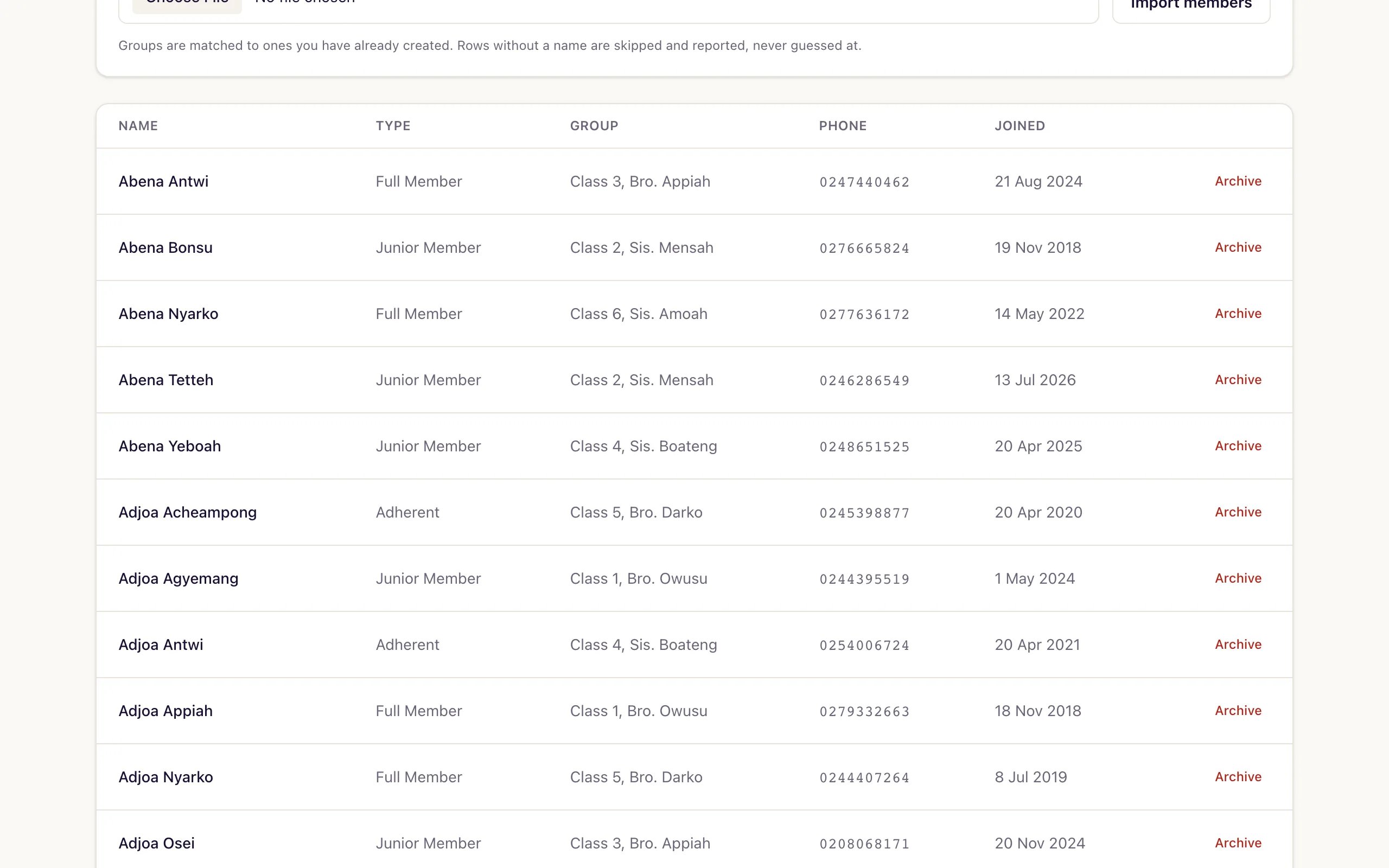
Many churches have a partial list in Excel from some earlier effort. That is worth more than it looks. Fold reads your own column headings. Export it as CSV and import it, rather than retyping. Good software reads your column headings rather than making you rename them, and tells you which rows it could not use so you can fix them.
Two things to watch when exporting from Excel. Phone numbers lose their leading zero unless the column is formatted as text, so 0244 becomes 244. And dates written as 03/04/1990 are ambiguous, that is March in some systems and April in others. Where a date matters, write it as 1990-04-03, which cannot be misread.
| Column | What goes wrong | The fix |
|---|---|---|
| Phone numbers | The leading zero is dropped, so 0244 becomes 244 | Format the column as text before exporting |
| Dates | 03/04/1990 is March in some systems and April in others | Write it as 1990-04-03 |
Decide what you actually need to record
There is a temptation to capture everything: occupation, marital status, education, next of kin. Resist it at the start. Every field you add is a field somebody has to fill in four hundred times, and a mostly-empty column tells you nothing.
A name and a phone number is a working register. Add a member type if your denomination distinguishes them. Everything else can wait until you know you will use it.
Keep the book
Do not throw it away, and do not stop writing in it on the first Sunday. Run both for a month. When the computer has not lost anything and the return came out right, the book becomes the archive it should have been all along.
Part of Running a church in Ghana: the complete guide, which covers the register, attendance, giving, the statistical return and more, each with free templates.